Latest Machine vision workspace What's new

One frame.
Every way to see it.

Basler Playground connects Basler cameras, framegrabbers and 3D sensors in one workspace. Move freely between Range, Surface and PointCloud on the same data, tune C++ scripts on the running stream, and let an AI client work the bench over MCP.

Basler PlaygroundDeviceSimulationSystemWindowHMIHelp
bin-sprockets.plyView
Loading scan…
RGB 480 × 400 / bin-sprockets.ply X 240  Y 20030.0 FPS100%
System Logsbin-sprockets.ply
one organized scan · four display modes · no conversion step
Analysis · Measure

Draw a region.
Read the numbers.

Right-click the view, choose Rectangle or Line and draw it, then right-click the region and choose Measure. Each row keeps its target, field, unit and valid sample count — switch Live on and it updates on each new frame.

Basler PlaygroundDeviceSimulationSystemWindowHMIHelp
bin-sprockets.plyView
Right-click → Rectangle or Line, then drag
RangeRainbow480 × 400 / bin-sprockets.plyX 240  Y 20030.0 FPS100%
Rectangle and Line ROIsRegions are named R1, R2… and lines L1, L2…, and stay on the view across frames.
Histogram, Projection, MeasureHistogram, Projection and Profile open their own result tabs; Measure rows collect in one table.
Real units, real samplesRange values are measured in mm from the source frame, with invalid points counted out.
Script Editor

C++ on the live frame.
Tuned with a slider.

Write a script against the current frame and build it. Mark a variable with @interactive and the loaded build adds it to Interactive Parameters — move it while the camera keeps grabbing.

  • WriteNative C++ with clangd. Use get() for the frame and show() for the result.
  • Build & loadThe script compiles to a native library and swaps into the pipeline without stopping acquisition.
  • Tunelevel appears under Interactive Parameters. Keep scrolling — or drag it yourself.
Basler PlaygroundDeviceSimulationSystemWindowHMIHelp
Basler acA2440-20gm (24811503)View
ImageMono 81600 × 90020.0 FPS100%
Script Editor
Bond threshold
// Binarize the bond wires for inspection
@init
// Optional one-time setup.
@endinit
auto input = get().toMatGray();
auto output = cv::Mat();
int level = 150; // @interactive-range(1, 255)
cv::threshold(input, output, level, 255,
cv::THRESH_BINARY);
show(output);
Ln 12, Col 14C++Savedclangd
level
Console LogsClear
[10:42:16.882] [INFO] Preparing temporary build source...
[10:42:16.905] [INFO] Invoking C++ compiler...
[10:42:18.391] [INFO] Filter script active and injected into pipeline.
External libraries

Bring the code you already trust.

Register any C++ library — your in-house vision code or a vendor SDK — with its include, library and runtime DLL paths and the libraries to link. Then #include it in a script.

  • One list of librariesOpen System › Libraries, or click the library count in the main status bar.
  • Headers, link files, DLLsPoint to .h / .hpp folders, .lib folders and files, and the .dll folder used at run time.
  • Checked before the buildPaths and link files are resolved when you apply, so a missing library shows up here — not as a build error.
Libraries
Libraries
BondMetrics
VendorSDK
Library properties
NameBondMetrics Include pathD:/Vision/BondMetrics/includeEdit... Select .h / .hpp folders. Library pathD:/Vision/BondMetrics/lib/x64Edit... Select .lib folders. Runtime DLL pathD:/Vision/BondMetrics/bin/x64Edit... Select .dll folders. Library namesBondMetricsEdit... Select .lib files.
bond_inspectC++ · clangd
#include <BondMetrics/Wire.h>
auto input = get().toMatGray();
double maxSag = 0.12; // @interactive-range(0.01, 0.5)
auto wires = bm::traceWires(input);
show(bm::overlay(input, wires, maxSag));

BondMetrics stands in for your own library.

MCP connection

Let your AI client work the bench.

Turn on System › MCP Connection and a trusted AI client on this computer can open sessions, connect devices, read and change features, start acquisition and capture snapshots. Editing and running scripts needs a separate approval.

MCP Connection
ConnectionThis computer only · Streamable HTTP
MCP is disabled.
Server address
Available after enabling MCP
Add this address to a trusted AI client using Streamable HTTP.
Script Editor
Allow editing and execution
Scripts execute native code in a separate worker with processing and lifecycle time limits. They can still access your files and system with your permissions. Allow only clients and code you trust. Connection and Script Editor approval are remembered across launches. Approval changes apply to new requests; accepted work may still finish.
Connection details
AI clientconnected over MCP
The acA2440 image is saturated. Bring exposure down until it isn't, then tell me the frame rate.
device.parameters.search"Exposure"ExposureTimeAbs = 35000
device.parameters.writeExposureTimeAbs: 12000ok
device.parameters.readResultingFrameRateAbs23.4
Exposure is now 12 ms (was 35 ms) and the image is no longer clipped. The camera reports 23.4 fps.

Example conversation with illustrative values. device.parameters.* are Playground's device feature tools.

Device plugins

Every device family.
One workspace.

Each device family ships as its own plugin package with its own version. Install, update or remove them from System › Plugins — Playground itself stays the same.

Plugins
All plugins
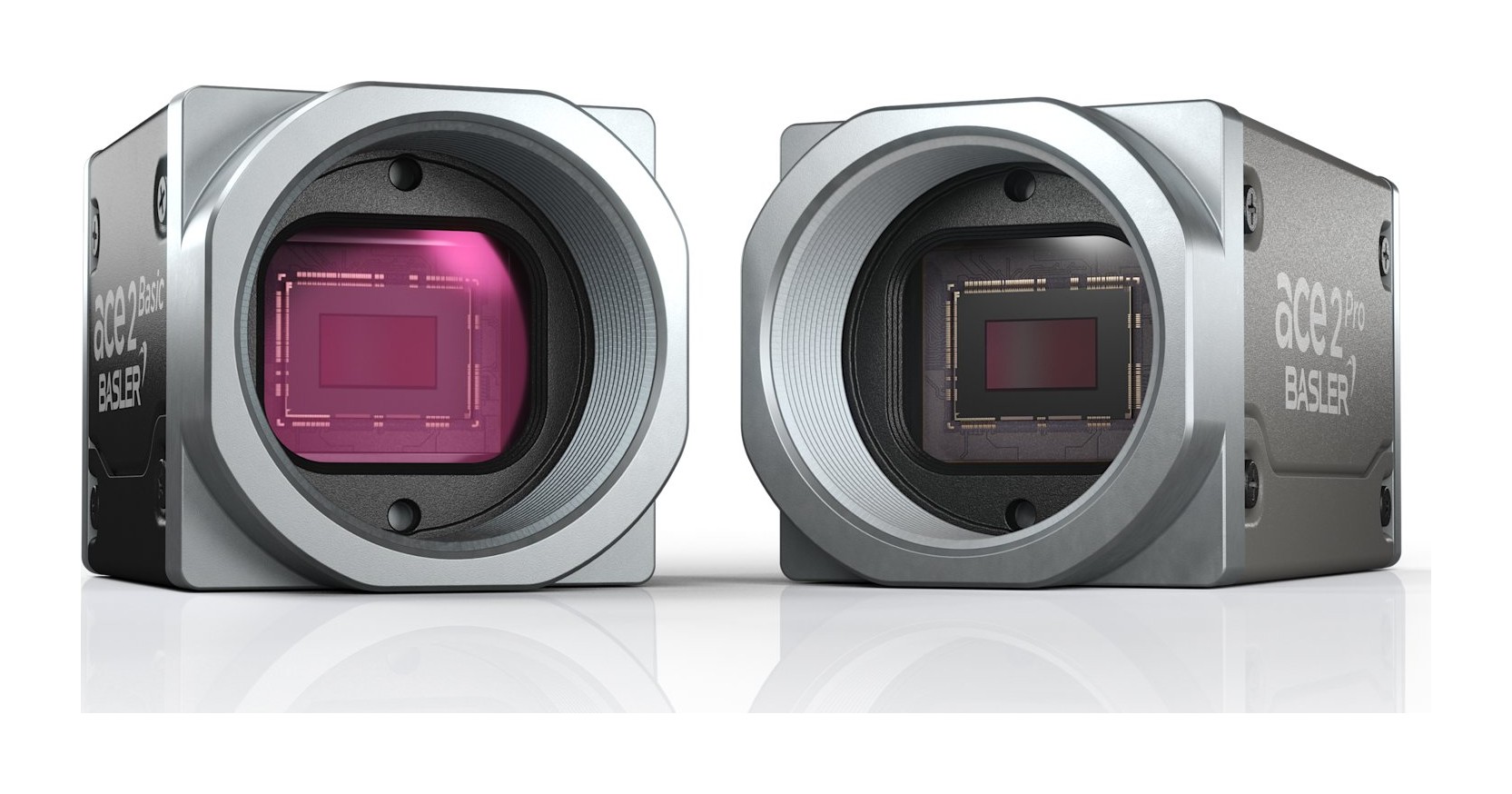
Basler ace 2 cameras
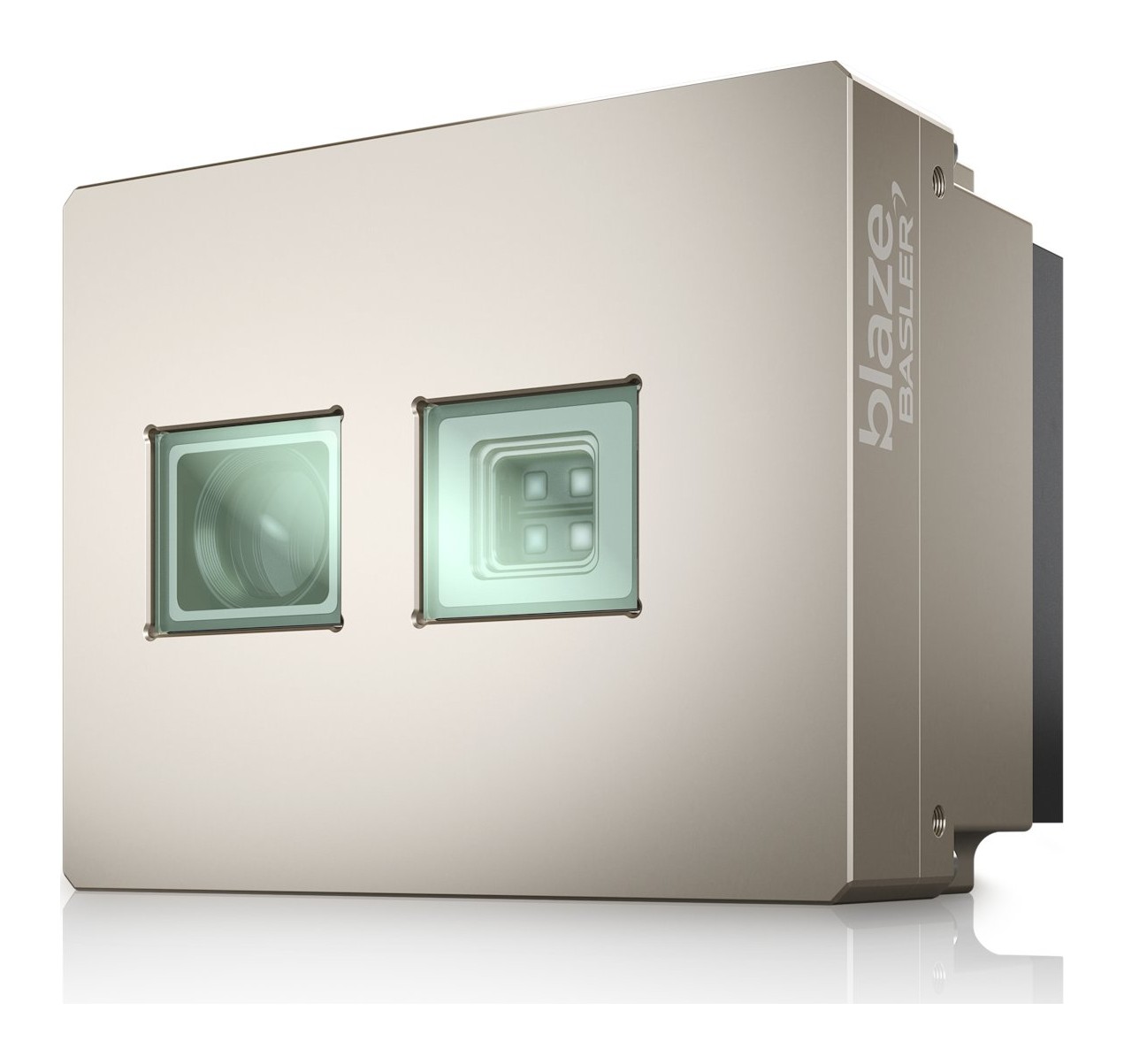
Basler blaze ToF camera
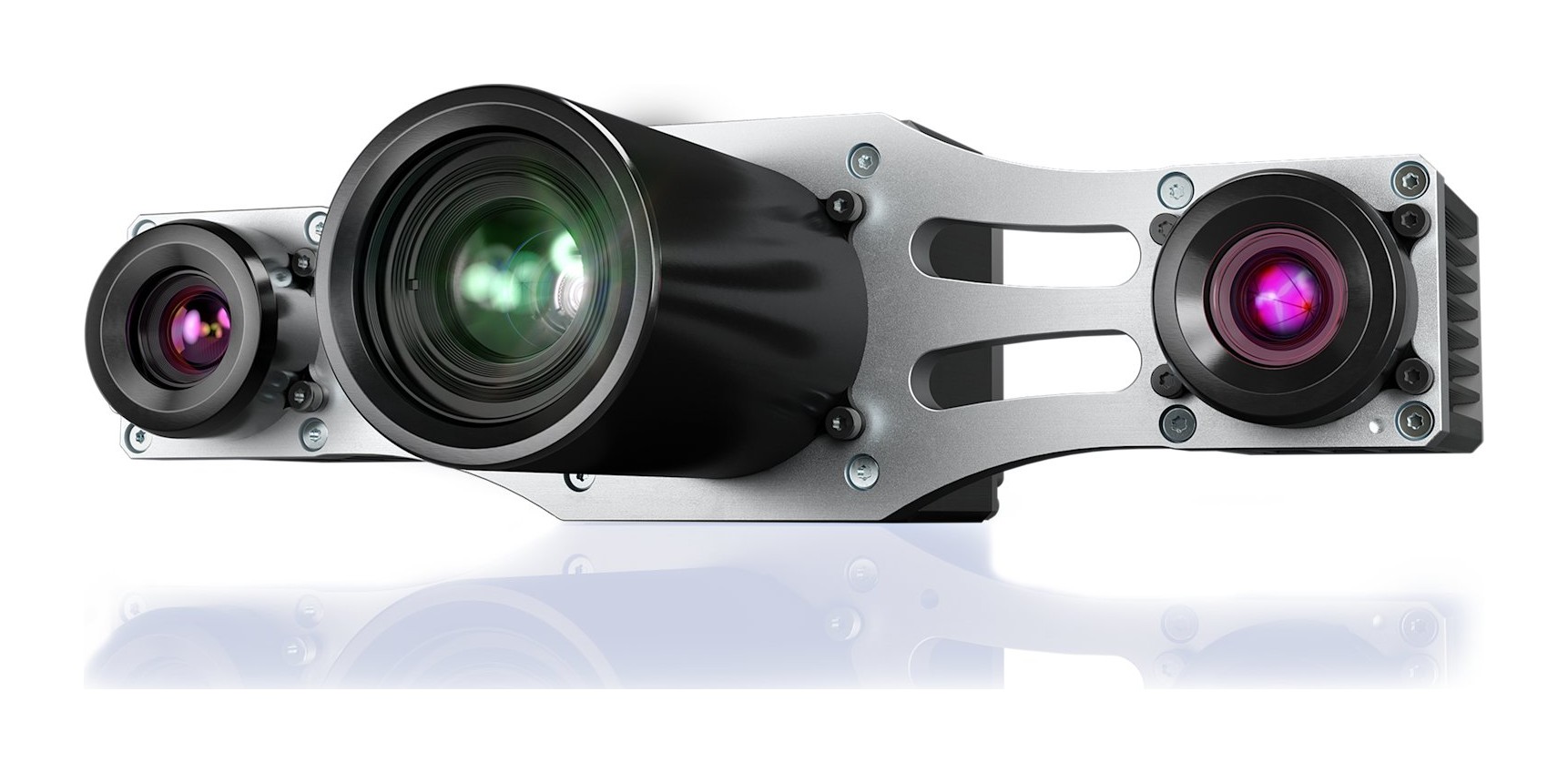
Basler Stereo ace camera

Camera

Basler pylon

Discover and configure Basler cameras, and acquire 2D images and supported 3D payloads.
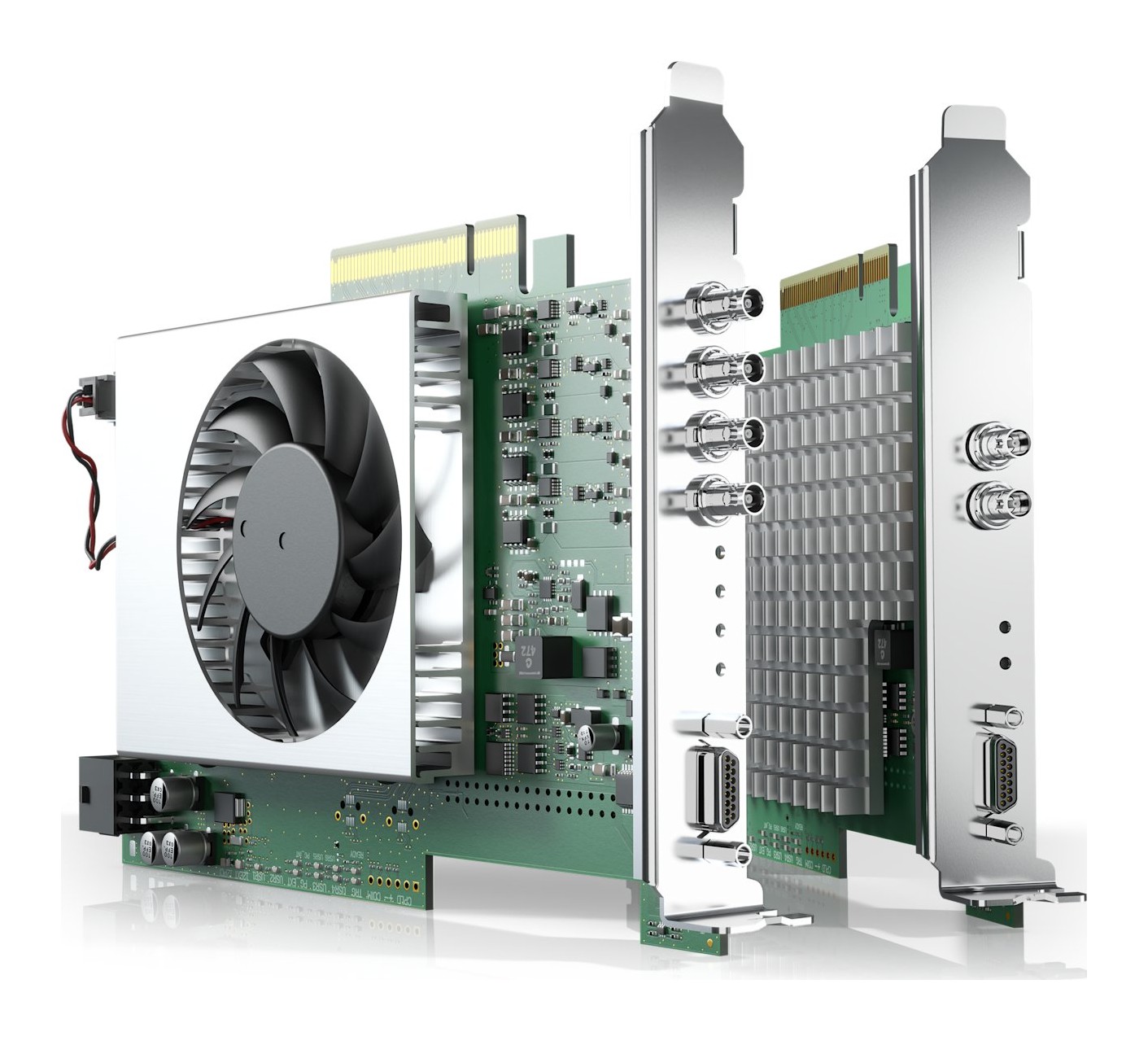
Basler CoaXPress frame grabbers

Frame Grabber

Basler Frame Grabber SDK

Discover Basler frame grabbers, load applets, and acquire images from multiple DMA channels.
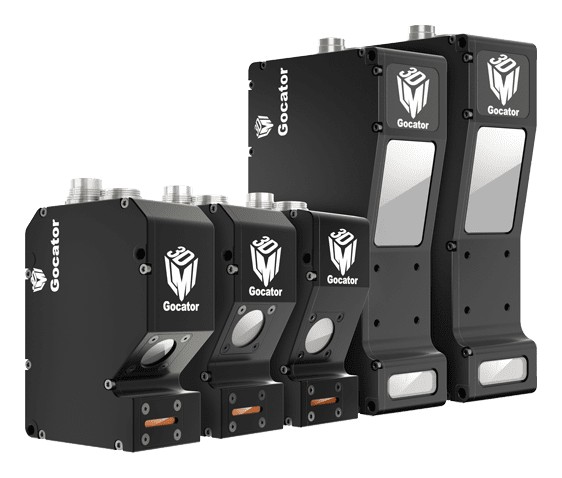
LMI Gocator 2500 3D laser profiler

Gocator

LMI GoPxL

Discover and configure Gocator sensors, and acquire profile and surface data.
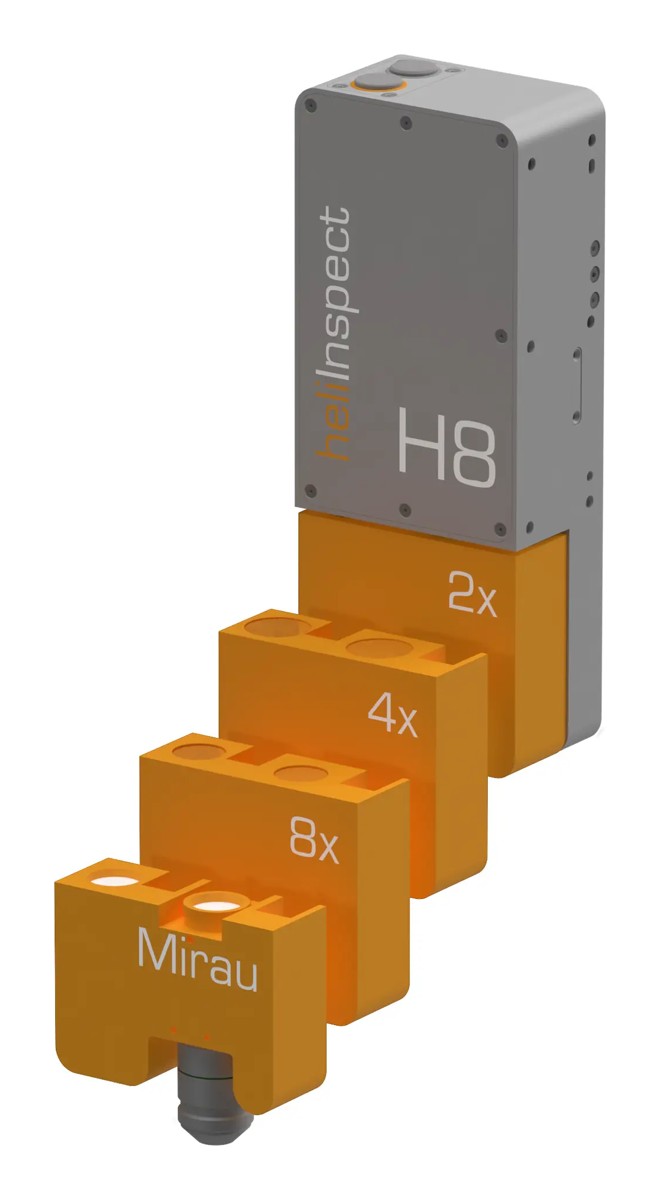
Heliotis heliInspect H8 with objective modules

Heliotis C4

C4Utility

Configure heliInspect H8 devices and acquire multipart measurement data through C4Utility.

GenICam

GenTL / GenApi

Discover devices through GenTL producers, edit GenApi features, and acquire image and multipart data.

Get Basler Playground

Install once. Add device plugins whenever you need them.

Download for Windows
Windows 10 / 11 · 64-bitmacOS · Apple siliconAll releases & SHA-256